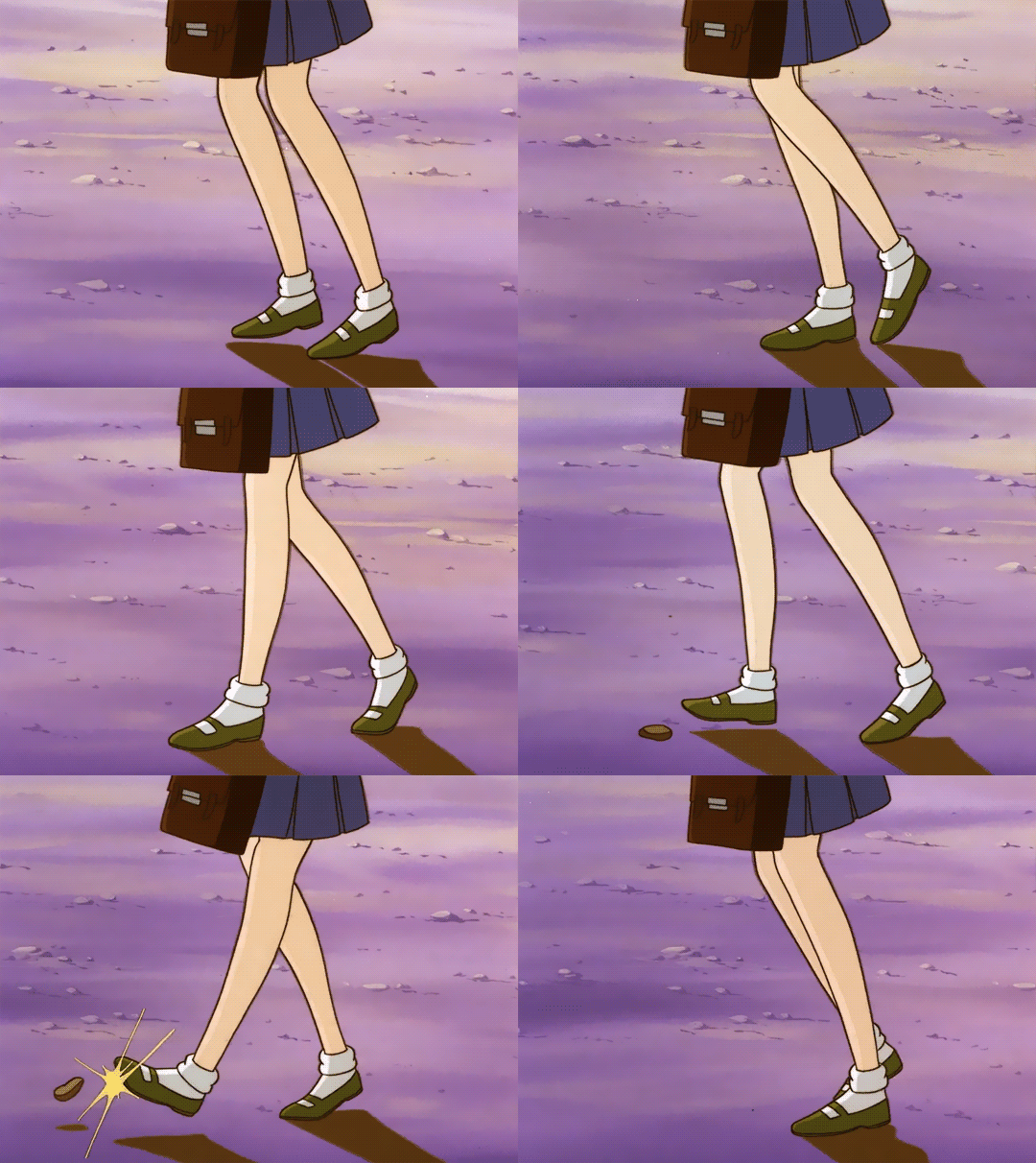
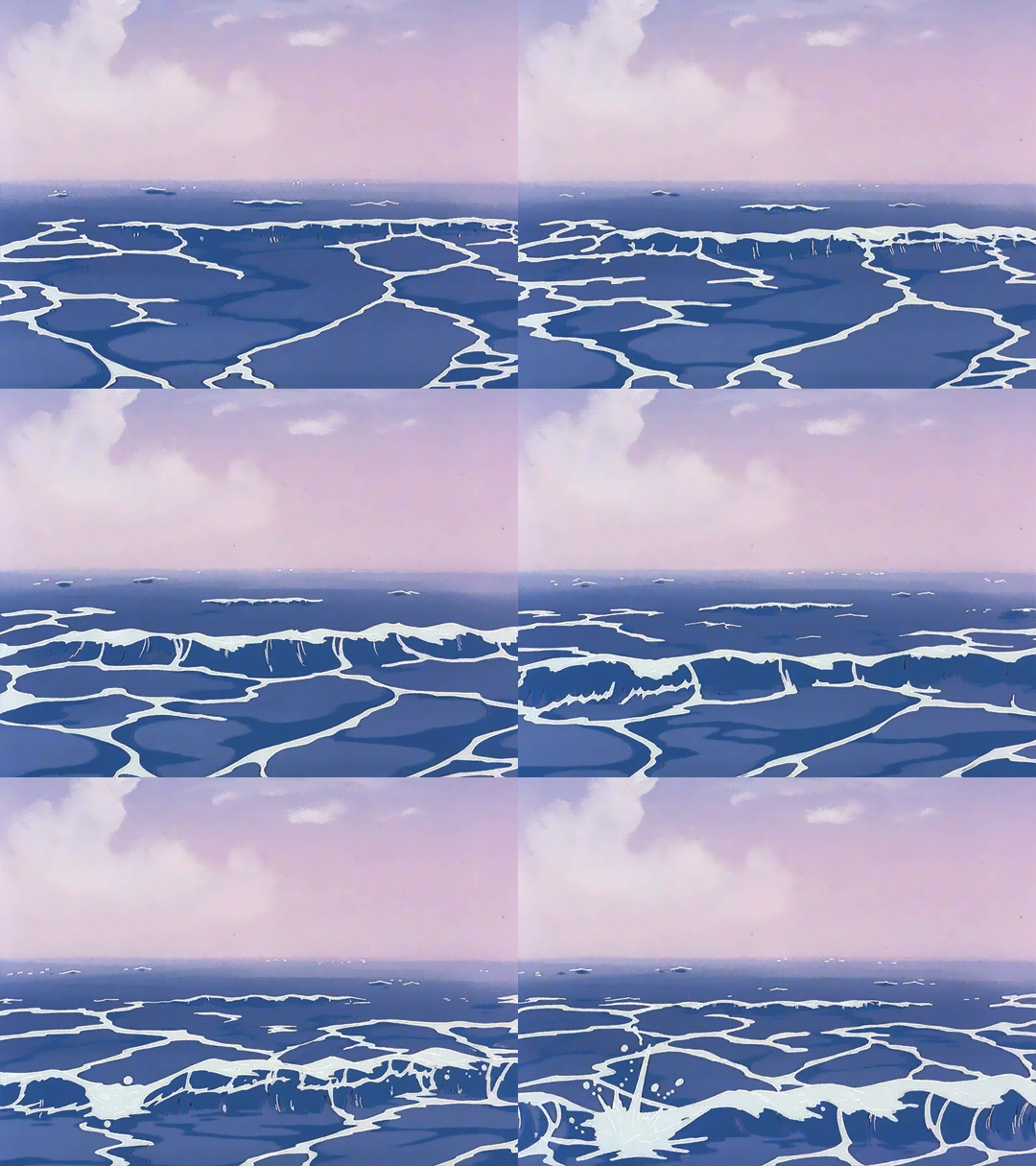
YALL SEE HOW MADHOUSE INC PRODUCES MIRACLES??????? LOOK AT THE ANIMATION
GOD
THERE’S NO FUCKING WAY I’M MISSING THIS NOW.
anime is saved
I’m literally brought to near tears when i realize how much this work has grown.
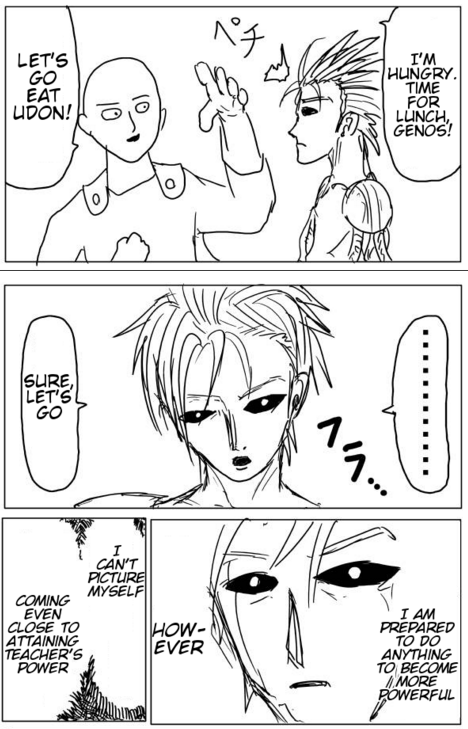
In 2009 the series started as a webcomic self-published and drawn by author under the moniker “ONE”. (Chapter 17)
↓
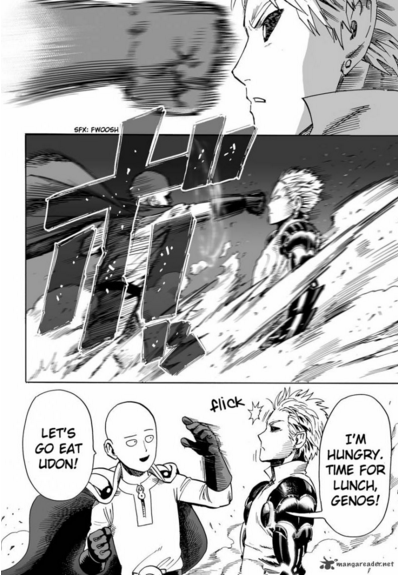
In 2012 the series garned so much attention it was later redrawn in manga format by Murata Yuusuke (Eyeshield 21).(Chapter 18)
↓
And finally in 2015 the series became so popular in got an anime. So over the course of 6 years, ONE went from a modest webcomic artist as a side hobby to a well recieved author with both a manga and an anime.
☆
While you may be running down hard on yourself for quality- or unsure if you should bother pursuing your simple talents- there’s always a chance that one of your talent- even the ones you might not think of- could amass something great.
☆
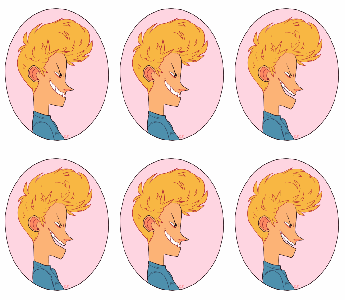
I just reblogged this but i felt the need to mention: animation runs at 24 frames per second and depending on the style, it can be shot with each image held for one frame, 2 frames, or 3 frames.
Animated movies like Disney’s work are done on 1′s, but it’s extremely time consuming and expensive to do. American cartoons that you see on TV are generally drawn on 2′s to save time, money, and effort. Japanese animation is generally done on 3′s because it’s easiest and cheapest and they’ve mastered ways to make cheap but still appealing animation.
I’m mentioning this all right now because I want to make something very clear:
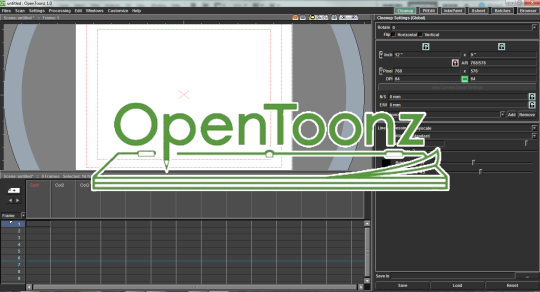
I decided to jump into the program and figure it out. So, here’s a super quick and dirty guide to all the basic info you might need.
Toolbar / Brushes
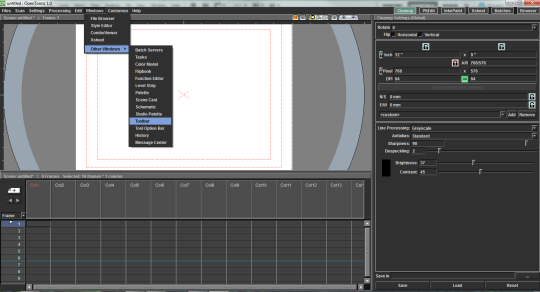
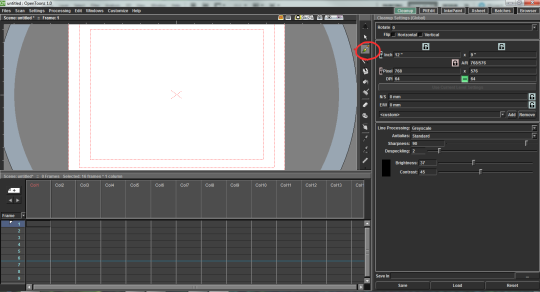
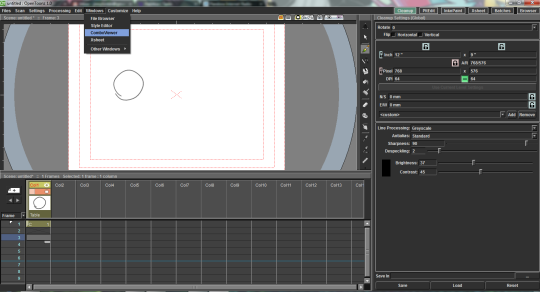
The toolbar is automatically hidden. You can get it with Windows > Other Windows > Toolbar
It will open as a pop-up and you can drag it and snap it into place.
Timeline
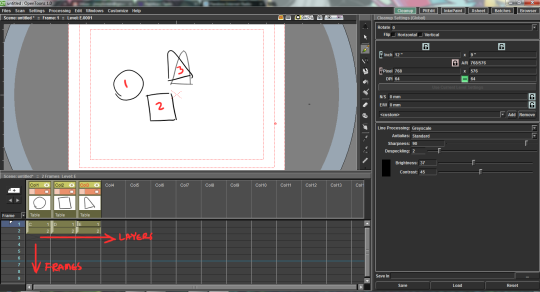
The timeline is a little different from Flash/Toonboom Harmony in that it reads more like a x-sheet. Layers (”Columns”) go from left to right and Frames go top to bottom.
Right-clicking on a frame will give you options to put the frame on 2′s, etc. (the “step” option).
Onion Skin
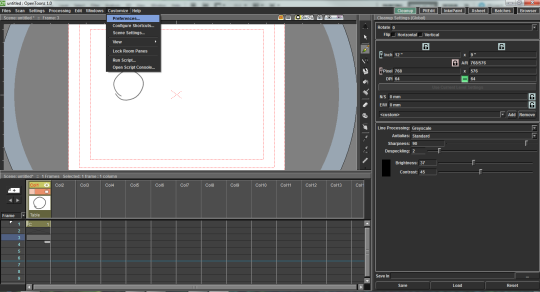
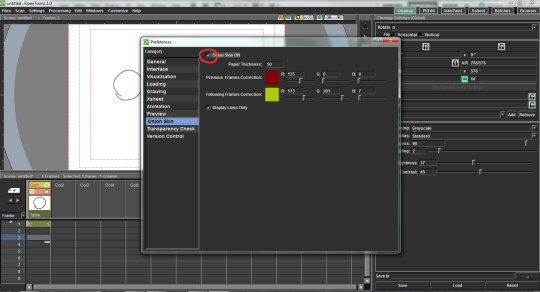
This was one of the more confusing ones. You can get to it with Customize > Preferences > Onion Skin
Be sure to check the box next to “Onion Skin ON”.
Getting onion skin to work in the timeline is a little weird at times. Like in Flash and Harmony, there are markers you can drag to expand the onion skin. If you aren’t seeing your previous drawing, try putting your frame on 2′s.
Viewing Your Work
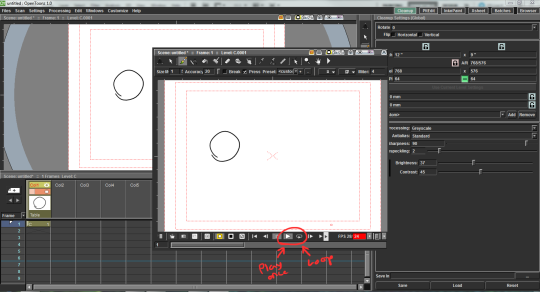
To play your animation you’re going to need to open a new window by going to Windows > ComboViewer
It has play, loop, etc.
Anyway I hope that helps! Basically just play around with it.
You sure have seenthis post. It has spread like wildfire over the past few days so I doubt there is any artist out there who hasn’t seen it. But even if you didn’t, you should read on because I’m about to tell you a handy little thing that can help you to protect your art from such assholes as the anon who submitted this bullcrap, as well as art thieves in general.
The magic word is Metadata.
Metadata is like an invisible signature that is embeded into a file. It can contain all kinds of information, like Title, date, keywords for online seach engines, and copyright information. And the best thing is, since this information is “hidden” in the code of your picture, it’s hard to remove it.
There is a nice basic tutorial on how to add Metadata, or “additional file information” to your images in photoshop. It’s really, really easy so check it out!
I’m not sure if you can do the same with any other art program. If you know how to do this in other programs / can confirm that it works the same way there, please tell me so I can add the information to this post.
Adding the Metadata will not stop idiots from taking and reposting your art. It also won’t make them stop editing out your signature. It WILL however, help you prove that you are the original artist whenever you have to. Always remember my friends. You, the artist, are protected by law. No one has the right to take your intellectual property and hard work and repost, use or edit it without your permission. Ever.





 Patata Paradaisu